mipGAM - Game Assets Manager
A downloadable tool for Windows, macOS, and Linux
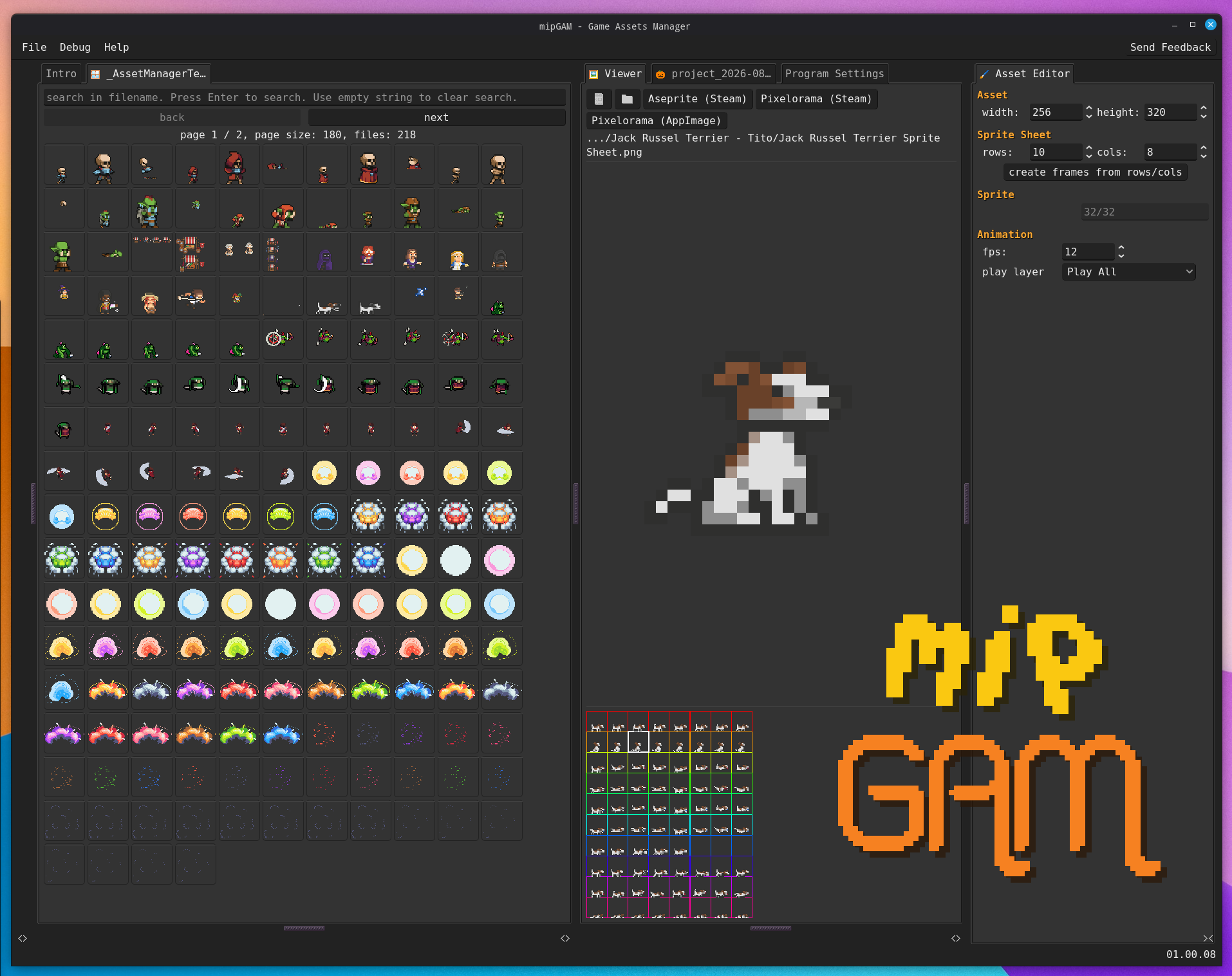
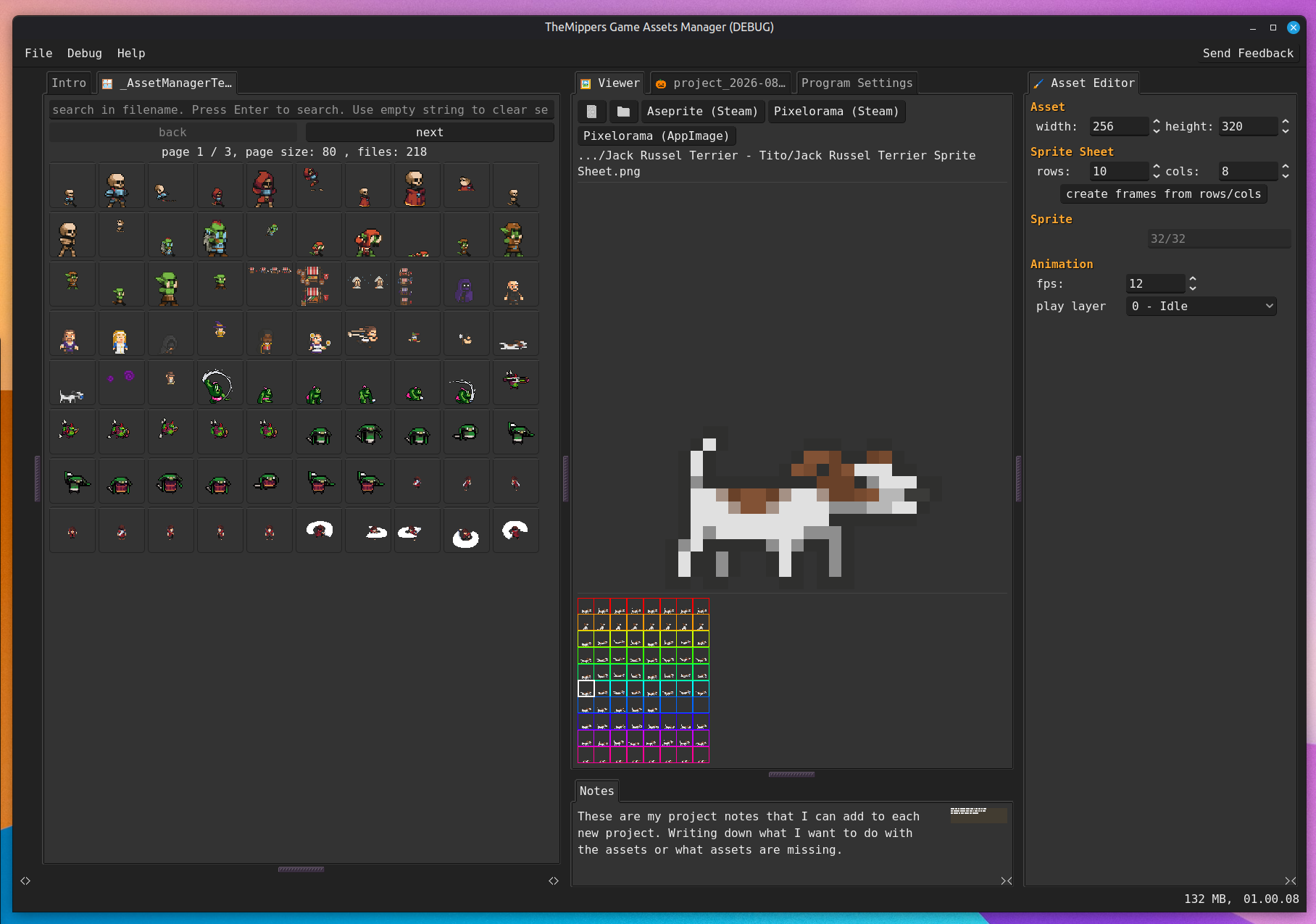
The main purpose of mipGAM - Game Assets Manager is to help you see your whole assets library and connect this with your individual game projects.
If you are a game developer or an artist. This tool will help you get an animated overview of your library.
Making it easy to select the best assets for your current project and copy them from your library to your game projects. Or see them in action to refine the art.
The current version supports (PixelArt) SpriteSheet animations (PNG, JPG). Later versions will add support for other asset types and use cases.
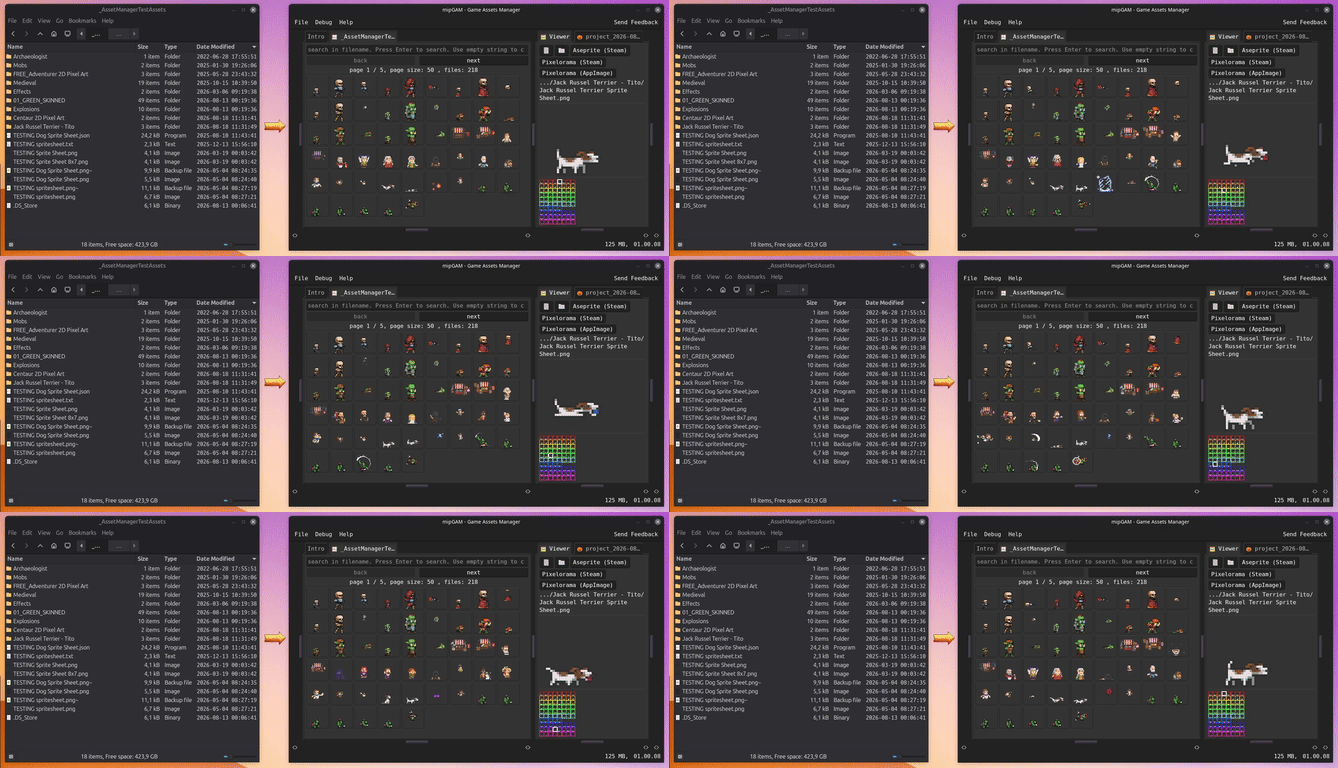
caption: from files and folders to animated gallery
I made this tool out of necessity. I have an assets library of >500.000 files. And it was impossible to get a good overview of the assets that I own. Especially seeing animations in SpriteSheets.
And without a good overview it was hard to select sprites for my projects. Like finding the right NPC or enemy sprite.
The tool does not change any files in the source folders. They are used as read-only. Only the target folders are being changed when the user decides to copy files into them.
Features
- Visualize your asset library in an animated gallery (PNG, JPG)
- Filter your library
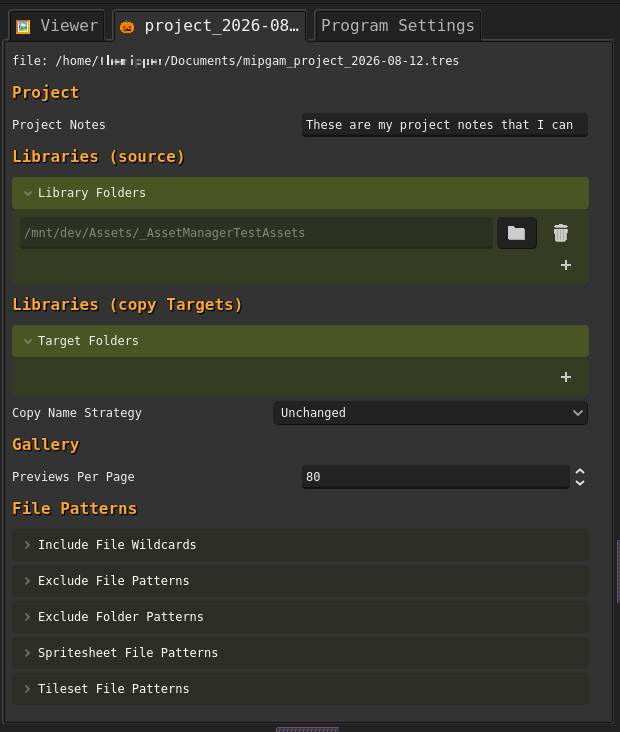
- Organize into projects and copy assets from you library to the project folders
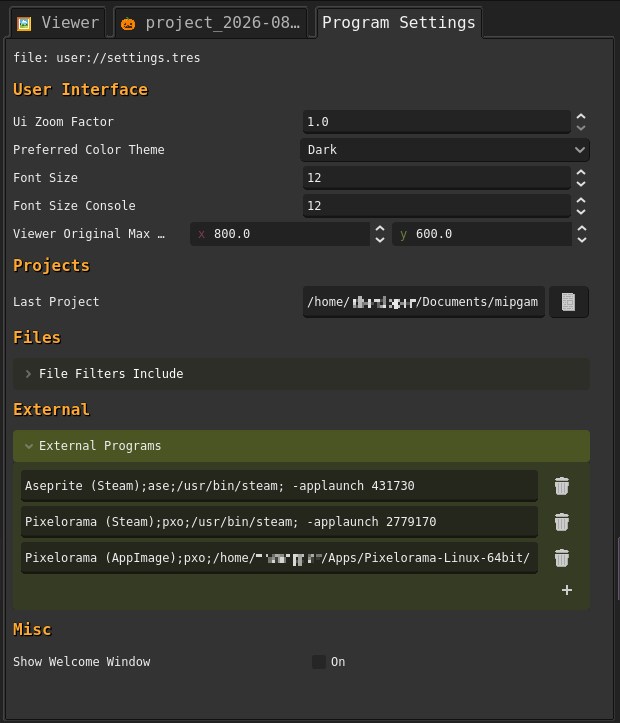
- Define external programs and open selected files directly in them (like Aseprite or Pixelorama)
Roadmap
- Automatic syncing of changed files from source to project targets. (You edited the original - Or got an updated asset pack - and now sync it to your projects)
- Persisting manual user changes to the asset info like cols/rows. So that they get reloaded after parsing again.
- Spritesheet editor tools like exporting rows/columns or cropping images that have wrong padding or margins
- Exporting animations as Godot .tres files
- Font libraries for PixelFonts and TrueType - Define a text and see it in all the fonts
- Exporting TileSets in Godot format.
Parsing Assets
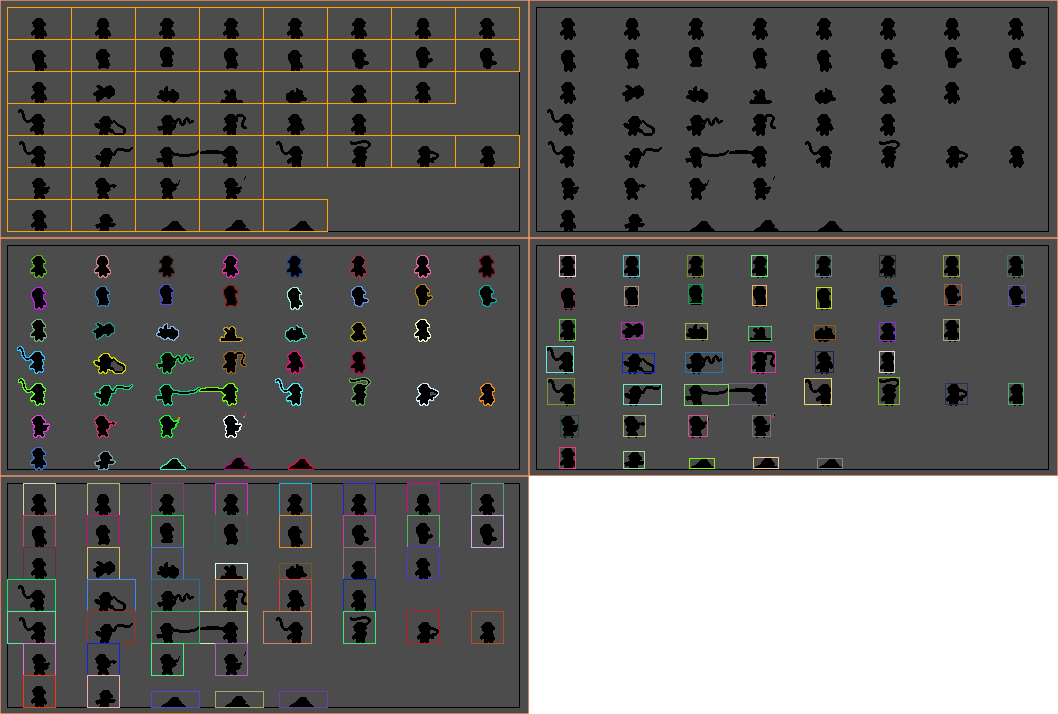
The core functionality is the parsing of the assets in your library folders. The program tries to extract meta information to understand the layers (row + columns) and frames of a SpriteSheet. It applies different strategies to extract or guess that information.
- Json (Aseprite) - If there is a json file with the same base name as the asset itself it tries to read the information provided by the Aseprite Export.
- Txt (CSV) - If there is a txt file with csv information about the assets if tries to read that file
If there are no meta files the program tries to guess the frames by doing some image oprations on the asset. The guessing is not perfect but works well on standard format assets (no unexpected margins or empty spaces).
If you have assets that are not being parsed properly you can send me an example (I only need black and white with transparency) so that I can add a parsing strategy.
Links
About
I am a firm believer in hand crafted code and art. The tool was made with 100% brain power and no Gen AI.
The tool is written in gdscript using Godot. All the graphics were made in Pixelorama and Aseprite.
Performance and RAM
Parsing a library with 244.000 files uses roughly 5 GB of RAM during parsing and roughly 3 GB when it is done. On my machine (24 cores, SSDs) it took 60 seconds to parse 244.000 files. Parsing can take a while depending on your CPU and Drive speeds.
Parsing 200 files took 0.2 seconds.
Online Functionality
The program itself runs completely offline.
Once every day it checks if a new version is available and displays that information in the status bar. It sends the current program version and if it is on Linux,Mac or Windows. This can be disabled in the program settings.
When you use the integrated "send feedback" form the program will send your feedback including program version, OS platform and a guid. That guid is created once you open the program the first time and does not change as long as the settings.tres is not deleted.
Installation
I recommend using the itch app to download and install the program as this prevents issues with Mac or Windows Gatekeeper.
Pricing
I will keep the software on a "pay what it is worth to you" basis for the foreseeable future.
I obviously hope that many of you find it useful and worth something :-)
From the developer
This is my first ever standalone project that I release as a solo developer. I hope you find it useful and enjoy it.
If you have feedback, feature requests or found a bug you can send me feedback through the app itself or here on Itch.
Happy developing and creating!
Download
Click download now to get access to the following files: